
Show me the task
A screen recording, a few examples, or a plain explanation is enough.
PRACTICAL AI / YOUR EXISTING TOOLS
See AI handle customer conversations, sales follow-up, billing, schedules, documents, financial records, social content, and the connections between the tools your team already uses.
Browse the capabilities13 AUTOMATION CAPABILITIES
These are broad starting points, not packages for one industry. Each can connect to the tools and rules your business already uses. Recorded cards let you hear a voice demo or watch real app actions; the others open a clearly labeled workflow blueprint.
An AI phone agent can answer calls, gather approved details, handle routine questions, and route the right next step.
Listen to an AI patient and receptionist confirm an appointment, address, and parking details in a recorded local demo with fictional data.
An AI inbox agent can read incoming messages, check the related records, prepare approved replies, update systems, and route unusual requests.
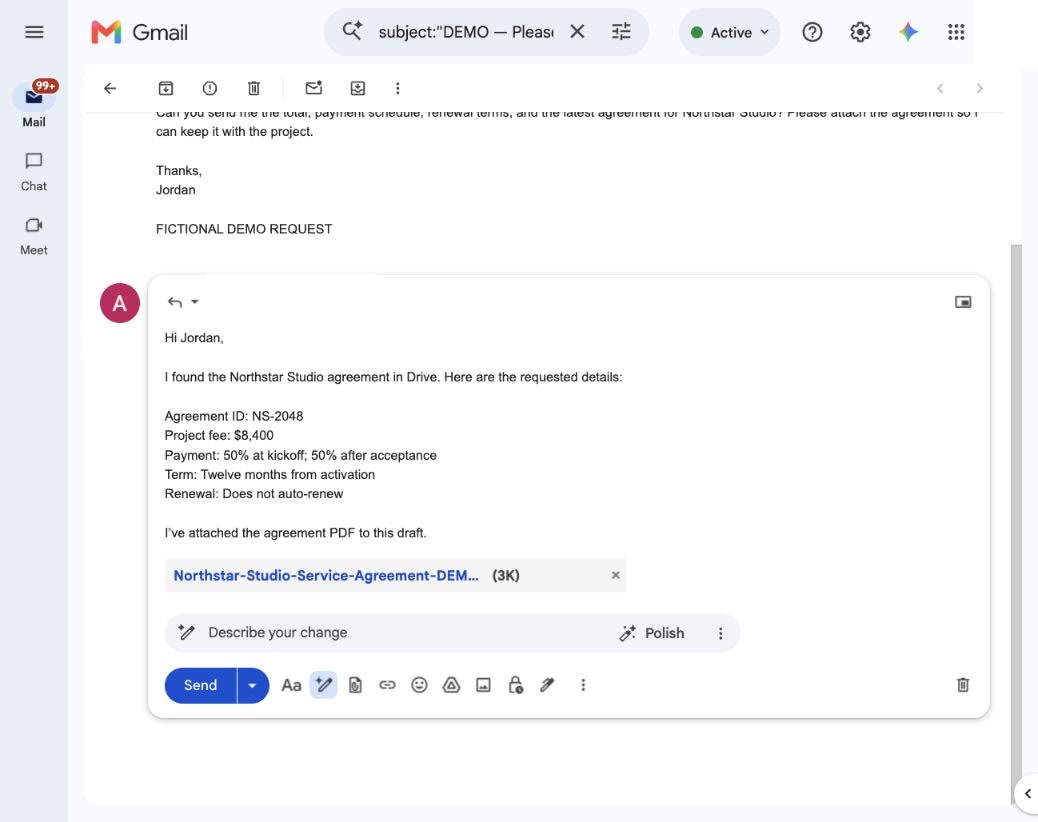
Your existing tools can be connected behind the scenes so information, updates, and approved actions move between them without another dashboard.
Connects your inbox, CRM, calendar, spreadsheets, billing, and operational tools so approved information and actions move between them.
AI tools, company knowledge, permissions, connectors, and repeatable workflows can be configured in accounts your team controls.
Configures company-owned AI tools, approved data, instructions, connectors, permissions, and repeatable ways of working.
An AI lead agent can respond to new inquiries, collect the approved context, follow up across channels, and hand interested people to your team.
Connects forms, phone, text, email, calendars, and customer records so each new inquiry receives a timely, coordinated response.
An AI sales agent can follow up on open quotes, proposals, and opportunities, stop when someone responds, and route questions or objections.
Connects your CRM, quoting or sales system, email, and messaging tools to keep approved follow-up moving without manual chasing.
An AI social agent can turn approved source material into channel-ready content, collect approval, publish through connected accounts, and record what went live.
Connects approved photos, updates, offers, and business records to the social accounts or publishing tools you already use.
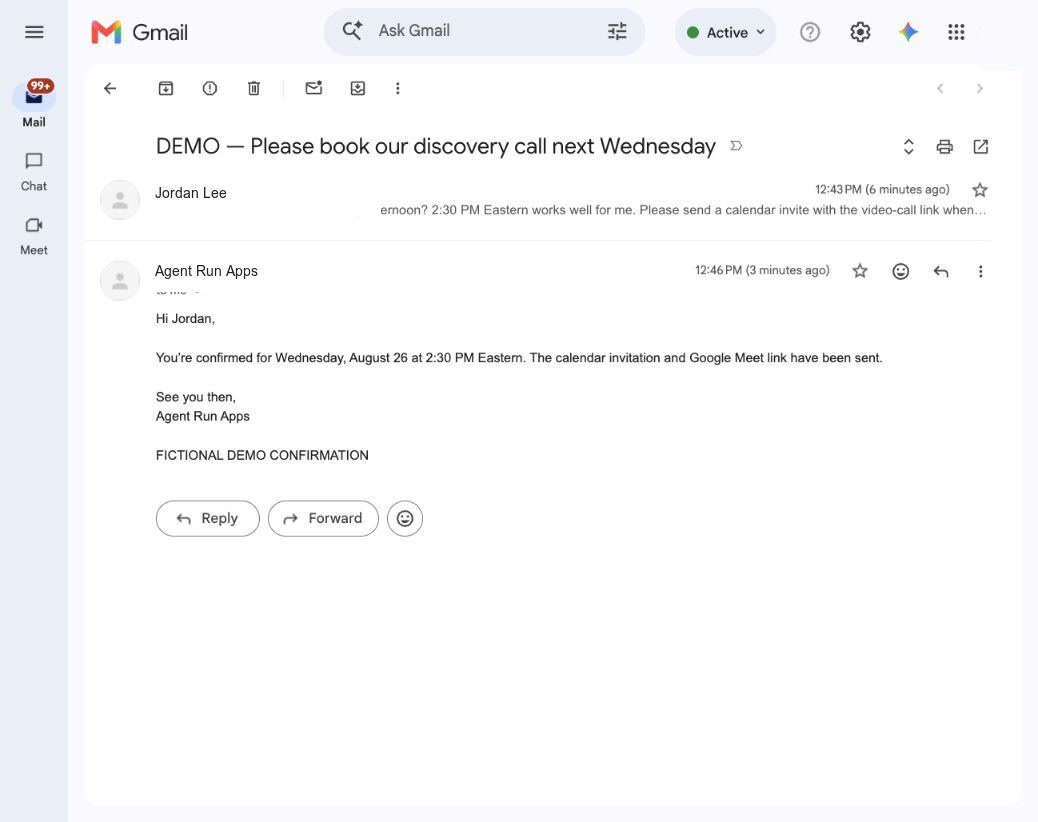
An AI scheduling agent can find available times, book or reschedule meetings, update calendars, and send consistent confirmations.
An AI billing agent can chase outstanding payments, find or send receipts, handle routine billing questions and failed charges, and route disputes or exceptions.
Connects Stripe, QuickBooks, Xero, Square, or the billing system you already use through approved APIs and integrations.
An AI document agent can read files and attachments, extract and check information, fill records or forms, preserve the source, and flag problems.
Connects inboxes and file storage to your CRM, accounting system, forms, spreadsheets, or database so information becomes usable records.
An AI retention agent can follow up with existing customers, send timely reminders, manage responses and opt-outs, and create the appropriate next step.
Connects customer records to approved email, text, and scheduling tools so relevant outreach can run while replies and opt-outs are handled correctly.
An AI reputation agent can request honest feedback, surface service problems, prepare grounded responses, and track what happens across connected review channels.
Connects completed customer work to review, support, email, and messaging channels so feedback is requested and issues reach the right person.
An AI financial-records agent can collect receipts, match them to transactions and payroll records, preserve the source, flag missing items, and keep a clean package ready for your accountant.
Works with QuickBooks, Xero, Wave, Stripe, Square, and approved payroll records, then prepares supported files for H&R Block / Block Advisors, TurboTax, or your accountant’s secure portal.
HOW YOUR VERSION GETS BUILT
A screen recording, a few examples, or a plain explanation is enough.
The useful work runs where your team already answers, schedules, files, and follows up.
Your accounts, records, and data remain yours throughout. Accepted, paid custom work transfers to you with its controls and documentation.
YOUR WORK WILL LOOK DIFFERENT
You do not need to name the technology. Bring the task and a few real examples; I will map the smallest useful version.